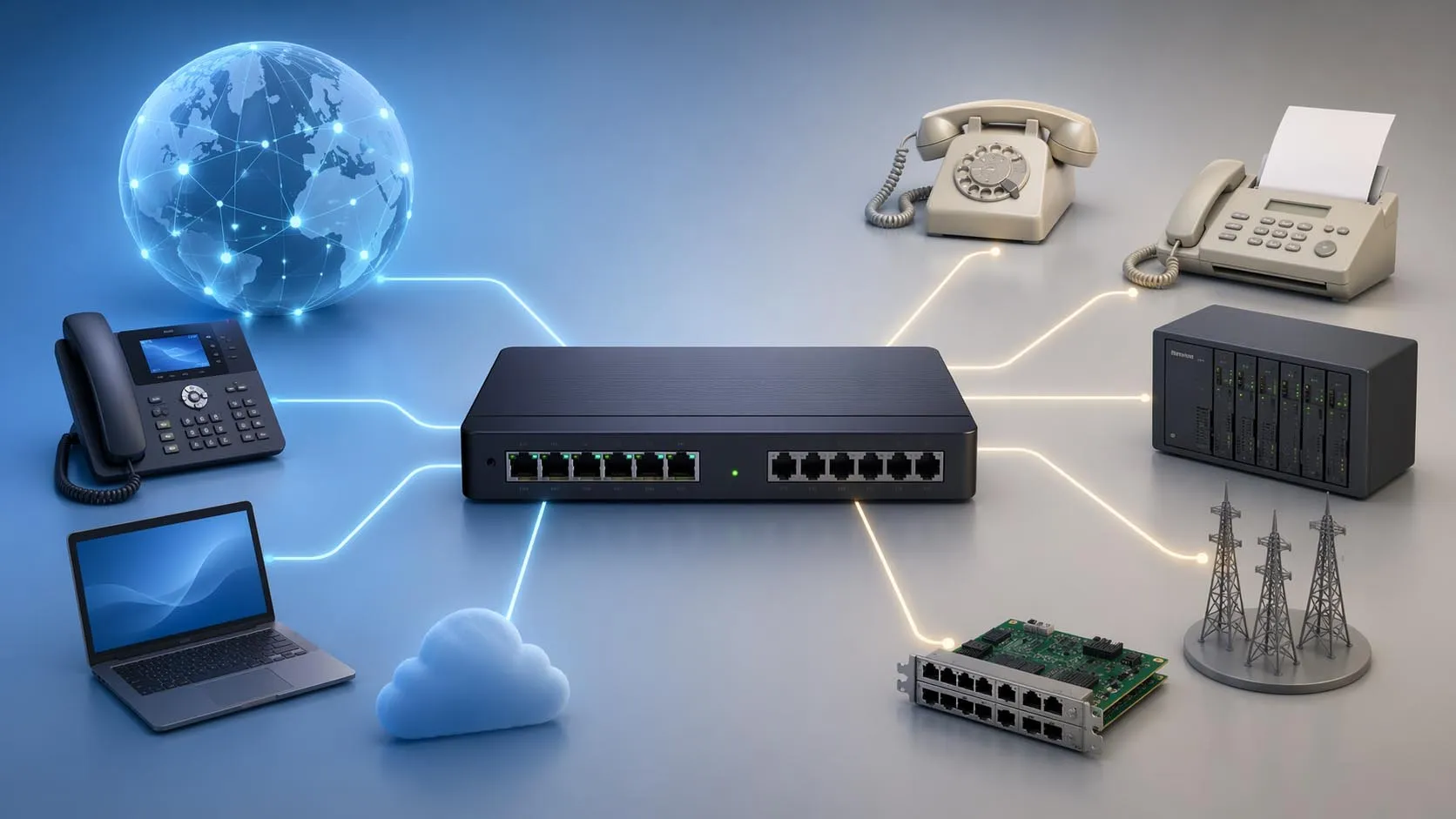
Session Initiation Protocol (SIP) is a signaling protocol used to establish, modify, and terminate real-time communication sessions over IP networks. These sessions can include voice calls, video calls, multimedia conferences, instant messaging, and other interactive communications. In practical business and telecom environments, SIP is one of the most important protocols behind modern VoIP, IP telephony, SIP trunking, intercom systems, and unified communications platforms.
What makes SIP especially important is that it focuses on session control rather than carrying the media itself. In a typical call flow, SIP is responsible for finding the other party, signaling the request, negotiating session parameters, handling responses, and ending the session when the conversation is complete. The audio or video media usually flows separately through media protocols and ports negotiated during the setup process.
Because SIP is flexible, text-based, and widely supported, it became a core building block for many IP communication systems. It can be used inside enterprise PBXs, between carriers and customers, in softphones, in desk phones, in cloud voice platforms, and in many specialized communication environments that need standards-based signaling for real-time sessions.
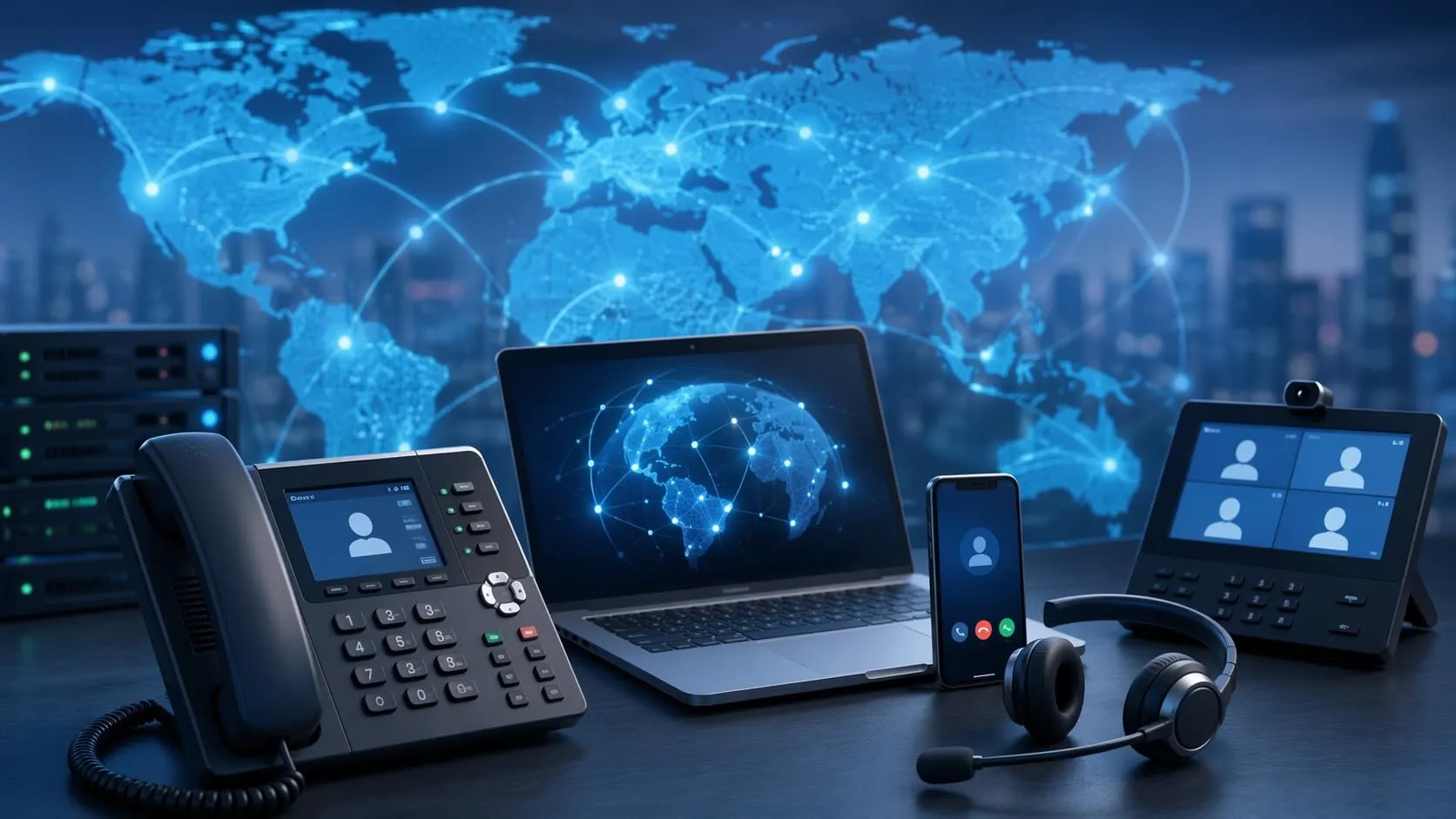
SIP is the signaling framework that helps create, control, and end real-time communication sessions across IP networks.
What SIP Means in Communications
A Signaling Protocol for Real-Time Sessions
At its core, SIP is a protocol for controlling communication sessions. It does not exist mainly to transport voice packets or video frames. Instead, it tells the network and the participating endpoints how a session should begin, where the other party is, what media parameters should be used, and when the session should end.
This is why SIP is often compared to a call-control language for IP communications. It coordinates the conversation rather than serving as the audio stream itself. In a voice call, for example, SIP helps initiate the call and negotiate the session, while the media normally travels through separate media transport methods.
This signaling role is one of the main reasons SIP is so widely adopted. It allows many different systems, endpoints, and networks to coordinate real-time sessions using a common standards-based approach.
More Than Just VoIP Calling
Although SIP is most commonly associated with VoIP, its role is broader than voice alone. SIP can be used for video calling, multimedia conferencing, instant messaging, presence-related communication features, and other interactive session types. That makes it relevant not only to desk phones and PBXs, but also to video collaboration, SIP intercom systems, conferencing platforms, and application-integrated communications.
This broader scope is one reason SIP remained important for so long in enterprise and service-provider environments. It provides a consistent method for handling multiple kinds of real-time communication sessions rather than only one narrowly defined call type.
SIP is best understood as the session-control layer of IP communications. It tells systems how to start, manage, change, and end a communication session, even though it usually does not carry the media itself.
How SIP Works
Session Setup Through Signaling Messages
SIP works by exchanging signaling messages between communication endpoints and SIP-aware network elements. A calling endpoint sends a request such as an invitation to begin a session. The receiving side, or the network elements that help locate and route the call, process that request and respond with status messages that show whether the session is progressing, ringing, accepted, redirected, rejected, or terminated.
These messages are text-based and use a style similar to other internet application protocols. This makes SIP relatively readable and extensible, which contributed to its adoption in standards-based IP communications.
The signaling sequence is what allows a SIP call to behave like a managed communications session rather than a simple raw network connection.
Media Negotiation with SDP
In many SIP deployments, the actual media parameters are described using the Session Description Protocol (SDP). During call setup, one side presents an offer describing the media streams and codecs it wants to use, and the other side replies with an answer describing what it accepts. This allows the participants to reach a common view of the media session.
This is a key point in understanding SIP correctly. SIP often carries or references session description information, but the media description itself is not the same thing as SIP signaling. SIP handles the session logic, while SDP describes the media characteristics used for the session.
That separation is one of the reasons SIP can be flexible across many device and network environments. The signaling and media description layers work together, but they are not identical.
Media Usually Travels Separately
After the session is established, the voice or video media usually travels through separate media streams rather than continuing inside SIP signaling messages. This means SIP remains responsible for the control plane, while media transport is handled separately once the participants agree on where and how the media should flow.
This architecture is common in VoIP and multimedia systems because it keeps session control and media transport logically separated. The call can be negotiated and managed through SIP, while the media follows its own negotiated path.
As a result, understanding SIP often requires understanding both the signaling layer and the media layer around it.
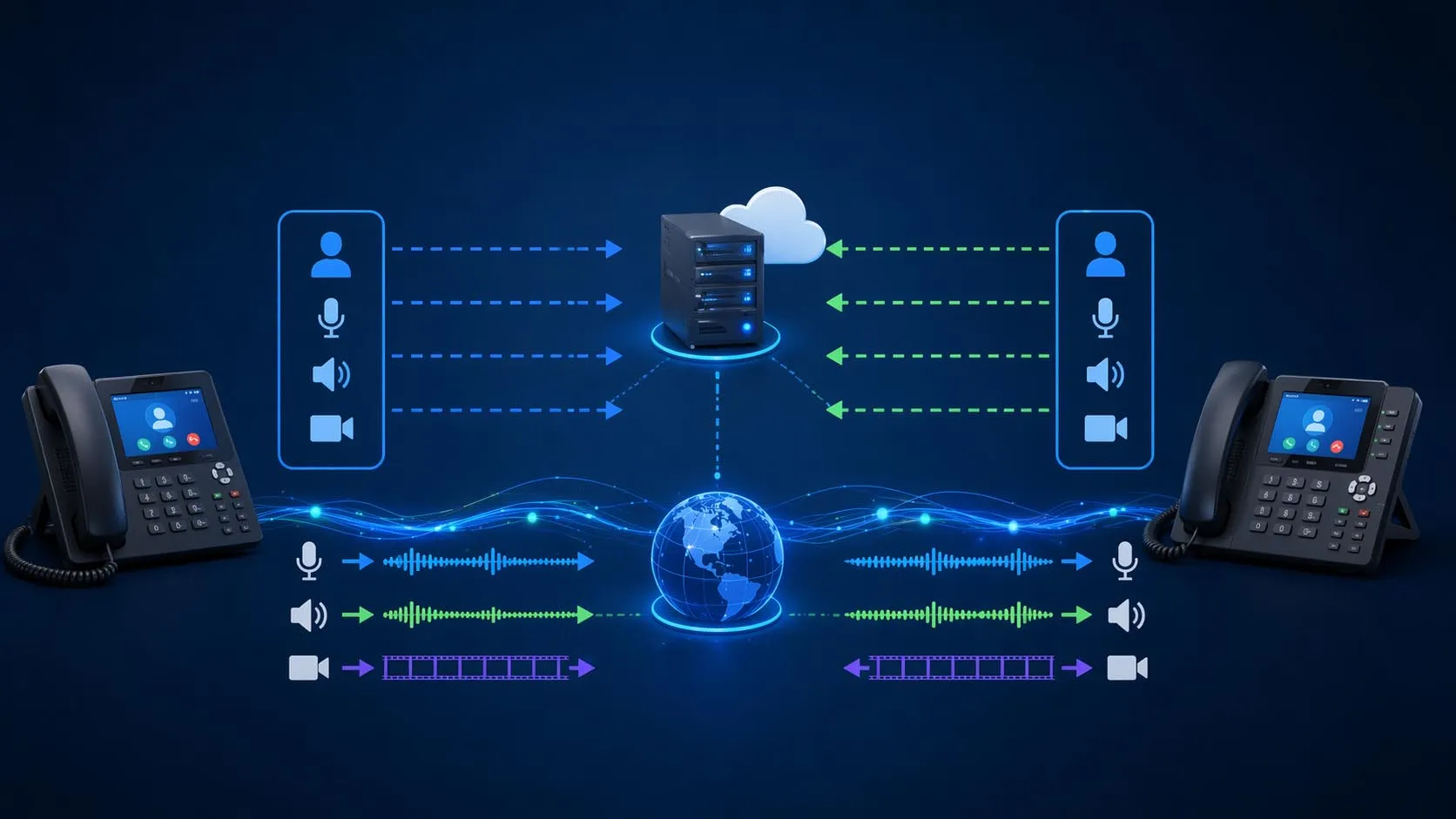
SIP establishes and manages the session through signaling, while media details are negotiated and the actual media typically flows separately.
Main SIP Components and Roles
User Agents
The endpoints that participate in SIP communication are commonly called user agents. A SIP desk phone, softphone, intercom endpoint, or client application can act as a user agent. In practical terms, one side may behave as the client when sending a request and as the server when responding to another request, depending on the direction of the transaction.
This flexible endpoint behavior is important because SIP communication is not limited to one rigid client-server pattern. Endpoints actively exchange requests and responses as part of session control.
That makes user agents the most visible SIP role from an end-user perspective, but they are only one part of the broader SIP architecture.
Proxy Servers, Registrars, and Redirect Servers
SIP networks often include server-side roles that help route and manage signaling. A registrar accepts registration information so the network knows where a user can currently be reached. A proxy server forwards or routes SIP requests toward the next hop. A redirect server can tell the client to contact another destination instead of forwarding the request directly itself.
These roles are important because SIP often operates in distributed environments where users move, register from different devices, or need requests routed across organizational and network boundaries. The server roles provide the control framework that makes that practical.
In enterprise and service-provider deployments, these server roles may be integrated into larger call-control platforms or SBC-based architectures, but the underlying SIP concepts remain the same.
URI, DNS, and Next-Hop Discovery
SIP commonly uses SIP URIs to identify users or services. The network can then use DNS procedures to resolve the next hop, transport, port, and destination address needed to reach the target service. This DNS-assisted discovery is an important part of how SIP supports flexible addressing and distributed deployment.
That is one reason SIP fits well in modern IP communications. It relies on standard internet concepts such as URIs and DNS rather than only on fixed telephone-style numbering inside a closed system.
At the same time, many real deployments still map SIP addressing to ordinary phone numbers, extensions, or E.164 dialing plans for operational simplicity.
A SIP system is more than two phones exchanging messages. It often includes endpoints, registrars, proxies, redirect logic, and DNS-based discovery working together to locate and establish the session.
Key SIP Messages and Methods
INVITE, ACK, and BYE
One of the most familiar SIP methods is INVITE, which is used to initiate a session. When the called side accepts the session, the signaling exchange moves toward confirmation, and the established session can begin. Later, BYE is used to terminate the session when the conversation is complete.
This call-control pattern is central to how SIP behaves in voice and multimedia systems. It gives the signaling a clear beginning, active state, and termination path that maps well to real communication sessions.
The fact that these methods are explicit also makes SIP easier to analyze, troubleshoot, and integrate into broader communications logic.
REGISTER, CANCEL, OPTIONS, and Other Methods
Other SIP methods serve additional purposes. REGISTER is used so a user or endpoint can tell the registrar where it is currently reachable. CANCEL can stop a pending request before it completes. OPTIONS can be used to query capabilities or check availability in some deployments.
Together, these methods make SIP more than a simple call-start and call-end protocol. They allow the network to handle reachability, negotiation, capability awareness, and changes in session state over time.
This flexibility is one reason SIP became such a practical signaling framework across many real-world telecom use cases.
Core Functions of SIP
Session Establishment
The first major function of SIP is creating sessions. This includes locating the destination, sending the invitation, exchanging responses, and setting up the signaling state required for the session to proceed. Without this establishment function, the participants would not know how or where to begin the communication.
This is the most visible SIP function to users because it is what happens when a call is placed, answered, or rejected.
Session Modification
SIP can also modify existing sessions. A call may change media parameters, add or remove participants, place a session on hold, resume it, or update its characteristics while it is in progress. This makes SIP useful for more than static call setup.
In real business communications, this flexibility matters because sessions often evolve. A two-party call may become a conference, a voice call may involve media changes, or a user may re-negotiate the session due to network or device conditions.
Session Termination
Another core function is ending the session cleanly. SIP provides a formal way to terminate sessions so both sides understand that the communication has ended. This helps release call state and network resources in an orderly way.
That structured termination model is essential for scalable call control, billing logic, resource cleanup, and predictable user experience in communication systems.
Uses of SIP
VoIP and IP Telephony
One of the most common uses of SIP is voice over IP calling. SIP is widely used by IP phones, softphones, PBX systems, and cloud voice services to set up and manage voice calls over data networks. In this role, SIP serves as the signaling language of modern IP telephony.
This is why SIP is so closely associated with office desk phones, hosted PBX platforms, and business voice systems. It became one of the dominant standards for managing IP-based calls.
SIP Trunking
SIP is also widely used in SIP trunking, where an enterprise PBX or voice platform connects to an external service provider over IP rather than through traditional circuit-switched trunks. This allows organizations to carry voice traffic over managed IP connectivity and support more flexible scaling and integration.
SIP trunking is one of the most important reasons SIP remains highly relevant in business communications. It links internal voice systems to outside calling networks in a standards-based way.
Video Calling and Multimedia Communication
Because SIP is designed for session control beyond voice alone, it is also used for video calls, multimedia sessions, and conferencing environments. The protocol can support the establishment and management of sessions that include multiple media types, making it suitable for richer communication scenarios than plain telephony.
This capability helps explain why SIP became important not only in voice systems, but also in conferencing, collaboration, and interactive communication platforms.
Applications of SIP
Enterprise IP PBX Systems
In enterprise environments, SIP is one of the core protocols used by IP PBXs, desk phones, SIP intercoms, paging devices, and voice applications. It allows endpoints to register, make calls, receive calls, and integrate with broader communication services inside the organization.
This makes SIP highly relevant for offices, campuses, factories, hospitals, and distributed enterprise sites that rely on standards-based communications infrastructure.
Unified Communications Platforms
SIP is also used in unified communications environments where voice, video, conferencing, messaging, and collaboration services need a flexible signaling layer. Even when end users interact mainly through apps or cloud services, SIP often remains part of the underlying session-control architecture.
This is especially important in hybrid deployments where legacy PBXs, SIP trunks, desk phones, and newer collaboration tools must work together.
Intercom, Paging, and Specialized Communication Systems
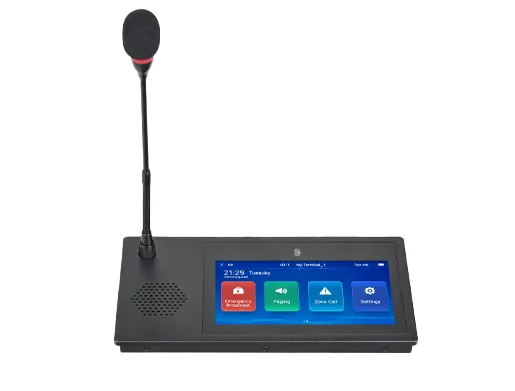
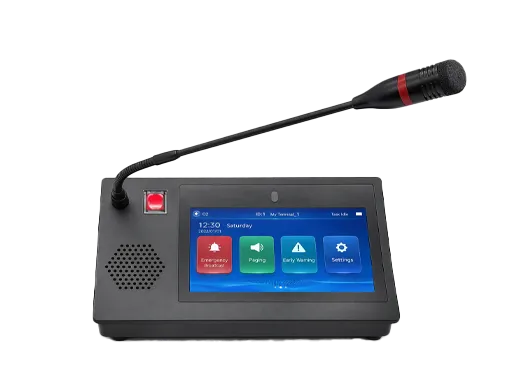
Many SIP-based intercom systems, paging gateways, emergency communication devices, and industrial communication endpoints rely on SIP for call signaling. In these environments, SIP is not only for office telephony. It becomes the session-control foundation for site communication, help points, operator consoles, and integrated alerting workflows.
This flexibility is one reason SIP is so useful in professional and industrial communication design. It can serve ordinary business calling and specialized operational communications within the same general signaling framework.
Carrier and Service Provider Networks
Service providers also use SIP in carrier interconnection, hosted voice platforms, SIP trunking, and communication service delivery. In these networks, SIP supports scaling, routing, and interoperability between customer systems, provider platforms, and broader communication services.
As a result, SIP continues to matter not only inside enterprises but also across the wider communications ecosystem.
SIP is most valuable where flexible, standards-based session control is needed across phones, servers, providers, applications, and real-time communication services.
Important Design Considerations
SIP Does Not Solve Everything Alone
One common misunderstanding is that SIP alone handles every part of a communication session. In reality, SIP is mainly the signaling layer. Media description, media transport, NAT behavior, security, codec policy, and routing resilience often involve additional protocols, services, and design decisions beyond SIP itself.
This is why production SIP deployments often include SBCs, DNS planning, media negotiation logic, NAT handling methods, and transport security controls in addition to the core SIP signaling elements.
NAT and Network Edge Behavior Matter
SIP can be affected by NAT and firewall behavior because signaling addresses and media addresses may not always line up naturally across translated network boundaries. Extensions such as the rport parameter help improve response routing behavior by asking the server to send the response back to the actual source IP address and port from which the request came.
This is one of the reasons SIP deployment quality often depends on edge design and session border control rather than only on endpoint configuration.
Security and Transport Choices Matter
SIP can be carried over different transports, and real deployments often need to consider encryption, authentication, and trust boundaries. Security policy should therefore be part of SIP design from the beginning rather than treated as an optional extra after the signaling works.
This becomes especially important in carrier interconnection, internet-facing SIP trunks, remote registration, and sensitive enterprise communication environments.
FAQ
What is SIP in simple terms?
SIP is a signaling protocol used to create, manage, and end real-time communication sessions such as voice calls, video calls, and multimedia conferences over IP networks.
Does SIP carry the voice or video itself?
Usually not. SIP mainly controls the session. The actual media normally travels separately through negotiated media streams after the session has been established.
What is SIP used for?
SIP is commonly used for VoIP, IP PBX systems, SIP trunking, video calls, conferencing, intercom systems, paging-related communication, and unified communications platforms.
What are the main SIP server roles?
Common SIP roles include user agents, registrars, proxy servers, and redirect servers, each helping locate, route, and manage sessions in a SIP network.
Why is SIP important?
SIP is important because it provides a flexible, standards-based way to establish and control real-time communications across many different endpoints, networks, and communication platforms.