IPv4, or Internet Protocol version 4, is one of the foundational technologies behind modern digital networking. It is the protocol that gives devices logical addresses and allows data packets to move from one network to another. When people talk about a server having an IP address, a router forwarding packets, or a device communicating across the internet, IPv4 is usually part of that story.
It is easy to reduce IPv4 to a familiar address format such as 192.168.1.10, but IPv4 is more than an addressing scheme. It is a complete network-layer protocol that defines how packets are structured, how they are addressed, how they are forwarded across interconnected networks, and how they are handled when they encounter different path conditions. In other words, IPv4 is one of the core mechanisms that makes internetworking possible.
Even though IPv6 has been developed to overcome IPv4 address limitations, IPv4 is still deeply embedded in real-world systems. Enterprise LANs, industrial control networks, security devices, IP PBX platforms, SIP phones, media gateways, cloud workloads, access networks, branch routers, and many embedded devices still depend heavily on IPv4. In practice, many organizations operate in dual-stack or mixed environments where IPv4 remains essential to day-to-day communication.
This article explains what IPv4 is, how it works, what it is used for, and where it is commonly applied in real deployments.
What Is IPv4 Protocol?
IPv4 is the fourth version of the Internet Protocol and the long-established network-layer protocol used to deliver datagrams across interconnected packet-switched networks. Its job is not to guarantee that data arrives in perfect order or without loss. Instead, it provides logical addressing and routing so packets can be sent from a source host to a destination host across one or more networks.
In simple terms, IPv4 answers several basic questions for a networked device:
- What logical address identifies the sender?
- What logical address identifies the destination?
- How should a router forward the packet toward the destination?
- How long should the packet remain in the network before being discarded?
- How should the packet be handled if the path cannot carry it in one piece?
IPv4 uses a 32-bit address space, which is why traditional IPv4 addresses are written as four decimal octets separated by dots, such as 10.20.30.40 or 203.0.113.5. That dotted-decimal format is simply the human-readable form of a 32-bit value.
The protocol itself works at Layer 3 of the OSI model, often referred to as the network layer. It sits above link-layer technologies such as Ethernet and Wi-Fi and below transport protocols such as TCP and UDP. This placement is important because it allows IPv4 to move traffic across many different physical and data-link environments while providing a common addressing and forwarding model.
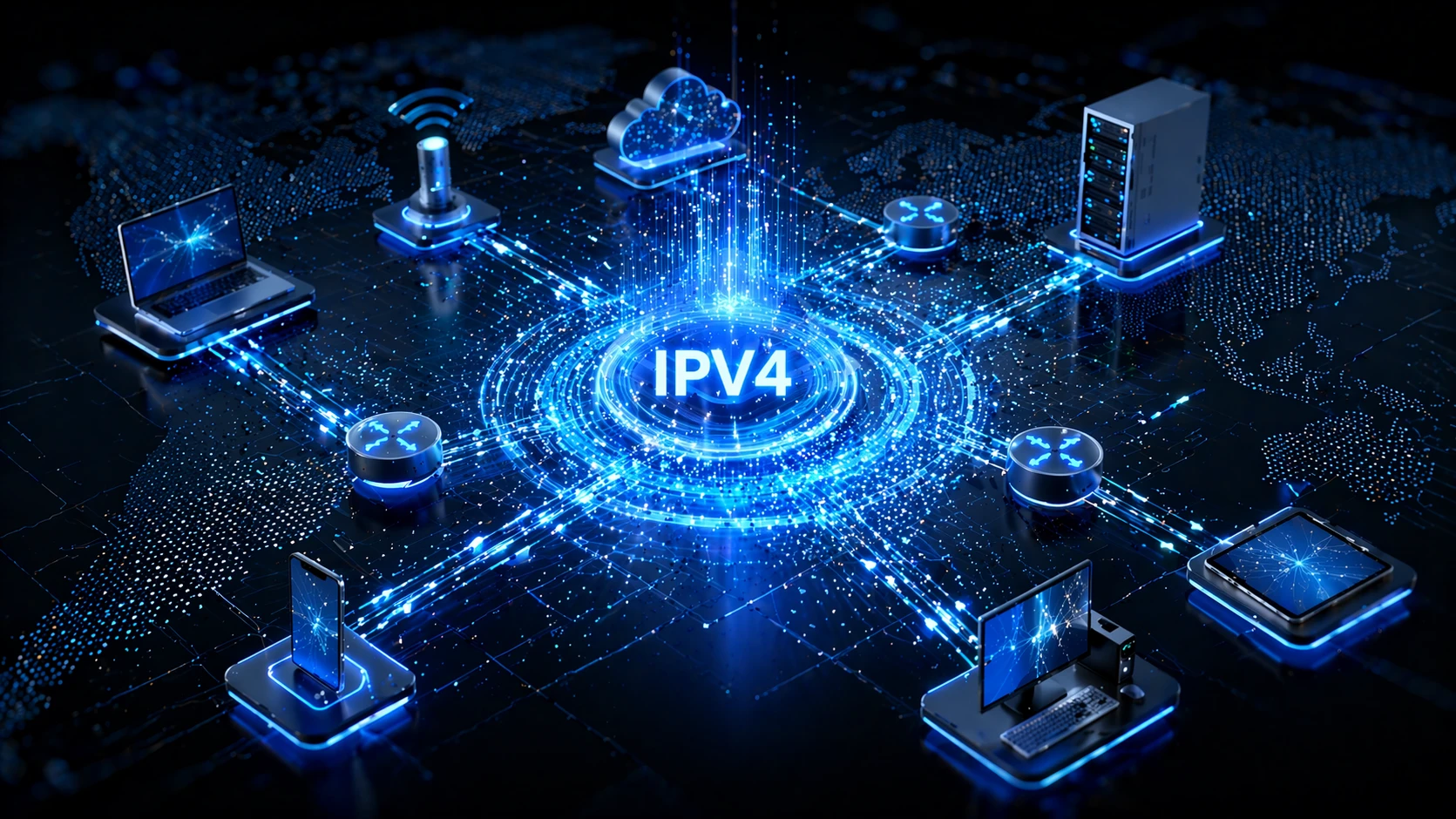
IPv4 provides the logical addressing and packet-forwarding model that lets different devices and networks communicate through routers.
How Does IPv4 Work?
At a high level, IPv4 works by encapsulating application or transport-layer data inside an IP packet and then forwarding that packet toward a destination IP address. The source device creates the packet, places its own IPv4 address and the destination IPv4 address in the header, and sends the packet to the next hop. If the destination is outside the local subnet, that next hop is usually the default gateway, typically a router or Layer 3 switch.
Each router that receives the packet reads the destination IPv4 address, checks its routing table, and decides where to send the packet next. That process continues hop by hop until the packet reaches the destination network and is delivered to the target host. This is why IPv4 is often described as a connectionless, best-effort protocol: it forwards packets independently and does not itself guarantee delivery, sequencing, or retransmission.
The packet includes an IPv4 header that contains control information used for routing and handling. Commonly discussed fields include the source and destination addresses, the protocol field that indicates whether the payload belongs to TCP, UDP, ICMP, or another upper-layer protocol, the Time To Live field, and fields related to fragmentation and reassembly.
One of the most practical concepts in IPv4 is the idea of a subnet. A device does not treat every address as local. It uses its IP address and subnet mask or prefix length to determine whether a destination is on the same subnet. If the destination is local, the packet can be delivered directly at Layer 2. If it is not local, the packet is sent to a router for onward forwarding.
- A host creates data for a destination service.
- TCP, UDP, or another upper-layer protocol prepares the payload.
- IPv4 adds its header, including source and destination addresses.
- The host determines whether the destination is local or remote.
- If remote, the packet is sent to the default gateway.
- Routers forward the packet according to routing-table decisions.
- The destination host receives the packet and passes the payload upward.
This basic process sounds simple, but it supports a huge range of services, from web browsing and remote login to SIP signaling, video streaming, industrial monitoring, cloud APIs, and VPN tunnels.
IPv4 is the language routers use to move packets between networks, while higher-layer protocols define what those packets actually mean to applications.
Understanding the IPv4 Address Format
An IPv4 address contains 32 bits. For readability, those 32 bits are normally written as four decimal values separated by periods. Each value represents 8 bits, or one octet. For example, 192.168.100.25 is simply one way of writing a 32-bit number in a format that people can read and configure more easily.
What matters operationally is not just the address itself, but also the network portion and the host portion. These are determined by the subnet mask or prefix length. In 192.168.100.25/24, the /24 means the first 24 bits identify the network and the remaining 8 bits identify hosts on that subnet.
Older networking literature often talks about Class A, Class B, and Class C networks. While that language still appears in casual discussion, modern IP network design relies on classless addressing and CIDR notation. This allows address blocks to be allocated and routed much more efficiently than the older classful model.
Public and private IPv4 addresses
Not every IPv4 address is used on the public internet. Many internal enterprise, home, and industrial networks use private IPv4 address ranges. These ranges are intended for private internets and are not globally routable in the public internet routing system.
10.0.0.0/8172.16.0.0/12192.168.0.0/16
This is why a device inside a factory, office, hotel, school, or warehouse often has an address such as 192.168.x.x or 10.x.x.x. Those networks usually rely on routing boundaries, firewalls, and often Network Address Translation to reach public networks.
Special-purpose addresses
IPv4 also includes special-purpose ranges for functions such as loopback, link-local behavior, testing, and private use. Engineers regularly encounter examples such as 127.0.0.1 for loopback or documentation prefixes such as 192.0.2.0/24 in technical examples and manuals.
Key Technical Features of IPv4
Connectionless packet delivery
IPv4 forwards packets independently. It does not establish a session before sending them and does not promise that every packet will arrive. Reliability, ordering, and retransmission are handled elsewhere, typically by higher-layer protocols such as TCP when required.
Best-effort routing
Routers attempt to forward packets toward their destination, but IPv4 itself does not guarantee success. Congestion, routing changes, filtering, MTU issues, or upstream failures can still affect delivery.
Time To Live control
The Time To Live, or TTL, field limits how long a packet can remain in the network. Each router decrements the value as the packet is forwarded. If the value reaches zero, the packet is discarded. This prevents routing loops from allowing packets to circulate indefinitely.
Fragmentation support
IPv4 was designed to work across networks with different maximum packet sizes. If a packet is too large for a path segment and fragmentation is allowed, it may be split into smaller fragments that can be reassembled by the destination. In practice, fragmentation is often treated cautiously today because it can complicate performance and troubleshooting, but it remains part of the protocol model.
Header checksum
IPv4 includes a header checksum for the IP header itself. This is different from IPv6, which removed the header checksum to simplify processing. The presence of this field reflects the older design assumptions of IPv4-era internetworking.
Protocol multiplexing
IPv4 can carry different upper-layer protocols by indicating the payload type in the protocol field. This allows the same IP network layer to support TCP, UDP, ICMP, and other protocols as part of a single internetworking framework.
Common Uses of IPv4
IPv4 remains common because it is not just an internet-facing protocol. It is also the default operational language of many private networks. In real deployments, its uses can be grouped into several practical categories.
General internet connectivity
Many websites, cloud services, APIs, and internet-connected applications still support or depend on IPv4. Even when IPv6 is present, IPv4 often remains active for compatibility and reachability across mixed environments.
Enterprise local area networks
Office networks, branch networks, campus environments, and data rooms commonly assign IPv4 addresses to user devices, printers, VoIP phones, servers, access points, gateways, and management interfaces. DHCP, static addressing, and VLAN-based segmentation are frequently built around IPv4 operational practices.
Industrial and operational technology networks
Factories, utilities, transport systems, warehouses, and process plants often use IPv4 for industrial controllers, HMIs, industrial switches, surveillance systems, SIP intercoms, IP speakers, dispatch terminals, and edge gateways. In these environments, the persistence of IPv4 is often driven by device compatibility, operational familiarity, and long equipment life cycles.
Voice and unified communications
IP PBX systems, SIP phones, SBCs, media gateways, paging endpoints, and intercom devices are widely deployed on IPv4 networks. Although these applications can also work with IPv6 in many cases, IPv4 is still the dominant addressing environment in many voice projects.
Private addressing and NAT-based deployments
Many organizations use RFC 1918 private address ranges internally and translate traffic at the edge through NAT or firewall devices. This approach has allowed IPv4 to continue scaling beyond the limits of its public address pool, though it adds complexity in some applications.
Routing and VPN infrastructure
Routers, firewalls, WAN links, site-to-site VPNs, remote-access services, and SD-WAN environments still commonly use IPv4 addressing and routing policies. Even where IPv6 is supported, IPv4 often remains part of the active transport and management design.
Typical Applications of IPv4 in Real Environments
Business offices and branch networks
In a standard enterprise office, IPv4 is used to address laptops, IP phones, printers, wireless access points, servers, cameras, and internet gateways. It supports internal communication, cloud access, VoIP, VPN connectivity, and routine business applications.
Data centers and server environments
Servers, hypervisors, load balancers, storage networks, and management interfaces often still carry IPv4 addresses. Even organizations pursuing IPv6 adoption usually keep substantial IPv4 infrastructure in place for interoperability and legacy application support.
Industrial communication systems
Industrial telephones, SIP paging devices, PLC-adjacent gateways, operator workstations, video terminals, and alarm platforms frequently run over IPv4. In these environments, the network may be isolated, segmented, or partially connected to higher-level enterprise systems, but IPv4 remains the working protocol underneath.
Transport, campus, and public-service networks
Airports, metro systems, tunnels, campuses, hospitals, and public buildings often deploy large numbers of IP-based devices for communications, access control, video, help points, and operational management. IPv4 remains widely used because it is familiar, interoperable, and supported by a broad device ecosystem.

IPv4 remains deeply embedded in enterprise, voice, security, industrial, and branch-network deployments because it is broadly supported across devices and platforms.
IPv4 and Routing in Practice
One reason IPv4 remains so important is that it is tightly connected to routing practice. Routers make forwarding decisions based on destination prefixes. A packet destined for 10.10.20.15 may be treated very differently from one destined for 203.0.113.15, not because the protocol changes, but because the routing domain, next hop, security policy, and network design change.
Modern IPv4 networks therefore depend on several supporting concepts:
- Subnetting: divides address space into manageable local networks.
- CIDR: enables efficient address allocation and route aggregation.
- Static and dynamic routing: control how networks are reached.
- NAT and PAT: allow many private hosts to share limited public addresses.
- Access control and firewalls: enforce security policy around IPv4 traffic.
These supporting mechanisms are part of the reason IPv4 has survived far beyond what its original public address capacity might suggest. Operational engineering adapted around the protocol and extended its useful life in practical ways.
IPv4 stayed dominant not because it was unlimited, but because the industry built operational tools such as subnetting, CIDR, DHCP, NAT, and routing policy around it.
Limitations of IPv4
IPv4 is foundational, but it is not without constraints. The most widely discussed limitation is its 32-bit address space. While that space was large for the early internet, it is limited for a world of massive cloud infrastructure, mobile devices, IoT, industrial endpoints, and globally connected services.
That limitation is one reason address conservation, private addressing, and NAT became so common. These methods keep IPv4 useful, but they can also complicate end-to-end transparency, service publishing, peer-to-peer applications, troubleshooting, and policy design.
IPv4 also reflects an earlier generation of protocol design. Features such as fragmentation behavior, broadcast dependency in some local environments, and header-level processing assumptions are different from the design choices made later in IPv6. None of that makes IPv4 obsolete overnight, but it helps explain why IPv6 was created and why many modern network strategies aim for dual-stack or gradual IPv6 adoption.
IPv4 vs IPv6
IPv4 and IPv6 serve the same broad purpose at the network layer, but they differ significantly in address size, packet structure, and long-term scalability. IPv4 uses 32-bit addresses, while IPv6 uses 128-bit addresses. IPv6 was designed to expand addressing capacity dramatically and simplify some aspects of forwarding and autoconfiguration.
That said, the relationship is not simply “old bad, new good.” In practice, most organizations live with both. IPv4 remains critical because of legacy support, existing applications, carrier reachability, and enormous installed infrastructure. IPv6 matters because it addresses scaling and modern design needs. Real networks often use both for years at the same time.
FAQ
Is IPv4 just an address format?
No. IPv4 includes addressing, packet structure, forwarding logic, fragmentation behavior, TTL handling, and protocol identification for upper-layer traffic. The dotted-decimal address format is only the most visible part.
Why is IPv4 still used if IPv6 exists?
Because IPv4 is still deeply embedded in existing infrastructure, software, service-provider environments, and device ecosystems. Many networks support IPv6, but IPv4 remains active for compatibility and operational continuity.
What is the difference between a public and private IPv4 address?
A public address is intended for globally routed use, while a private address is reserved for internal networks and is not meant to be routed across the public internet. Private ranges are commonly used behind NAT devices.
Does IPv4 guarantee reliable delivery?
No. IPv4 is a best-effort, connectionless protocol. Reliable delivery, ordering, and retransmission are typically handled by higher-layer protocols such as TCP when needed.
Is subnetting part of IPv4 operation?
Yes. Subnetting is central to practical IPv4 deployment because it determines which destinations are local, how address space is organized, and how routing decisions are made between networks.
Is IPv4 still suitable for industrial and enterprise systems?
Yes. IPv4 remains widely used in enterprise, industrial, voice, and security networks. The real question is not whether it works, but whether the specific project should stay IPv4-only, go dual-stack, or begin a broader IPv6 transition plan.
Conclusion
IPv4 is one of the most important protocols in networking history and still one of the most widely used in real systems today. It provides the logical addressing and packet-forwarding framework that allows devices, routers, and networks to communicate across local and wide-area environments. Its real value is not just that it gives devices addresses, but that it creates a shared network-layer model that countless services and systems can build on.
From office networks and cloud services to IP telephony, industrial communications, branch routing, and private enterprise infrastructure, IPv4 remains operationally central. Its limits are well understood, especially in terms of address space, but its installed base, interoperability, and engineering familiarity mean it will continue to matter for a long time. To understand modern networking clearly, it is still necessary to understand IPv4.